
How to Join the ColdProxy Affiliate Program
Promote ColdProxy to your audience and earn a 10% commission on eligible purchases and renewals. Use this guide to apply, follow your application, and find the tools available after approval.
Apply to the program
- Sign in to your account through the ColdProxy client area.
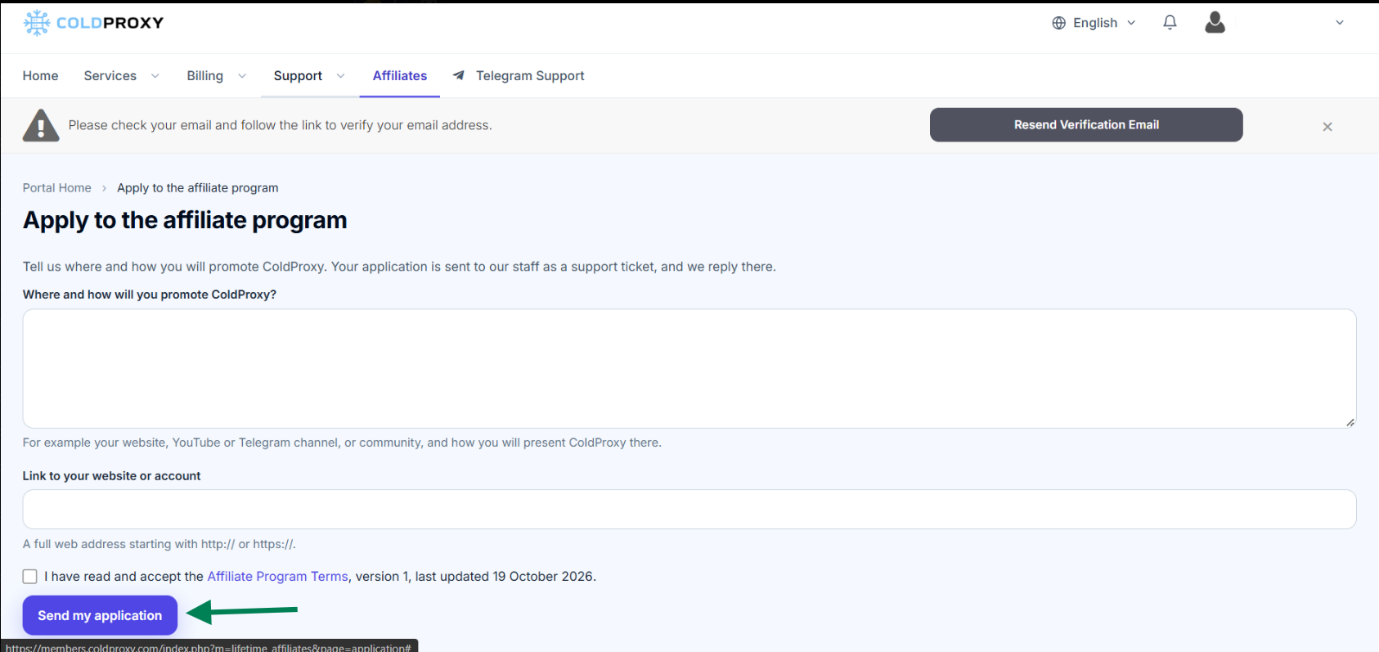
- Open Affiliates. Choose Affiliates from the account navigation and open the application page.
- Describe your promotion plan. Explain where and how you will promote ColdProxy. You can mention your website, YouTube or Telegram channel, or an online community, and how you plan to present the service.
- Add your website or account link. Enter the full URL for the website or profile where you plan to promote ColdProxy. Use a complete web address beginning with http:// or https://.
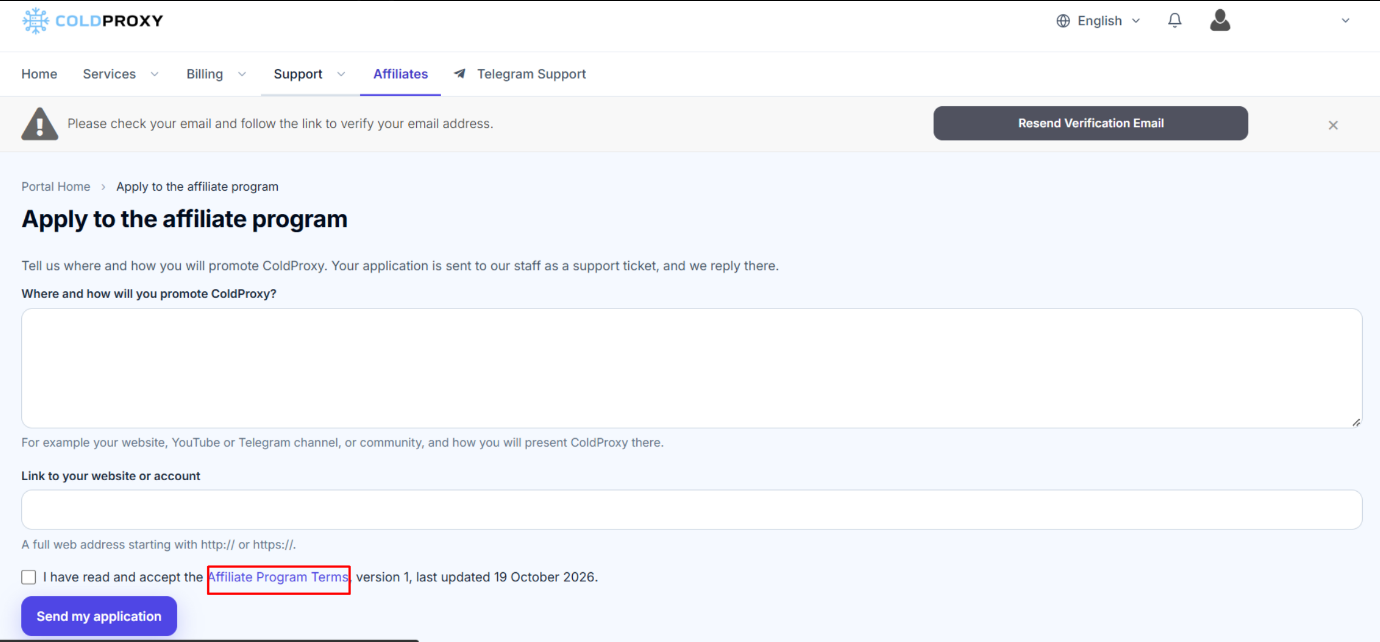
- Review and accept the terms. Read the Affiliate Program Terms and select the checkbox confirming that you accept them.
- Submit your application. Click Send my application to send your request.
After You Apply
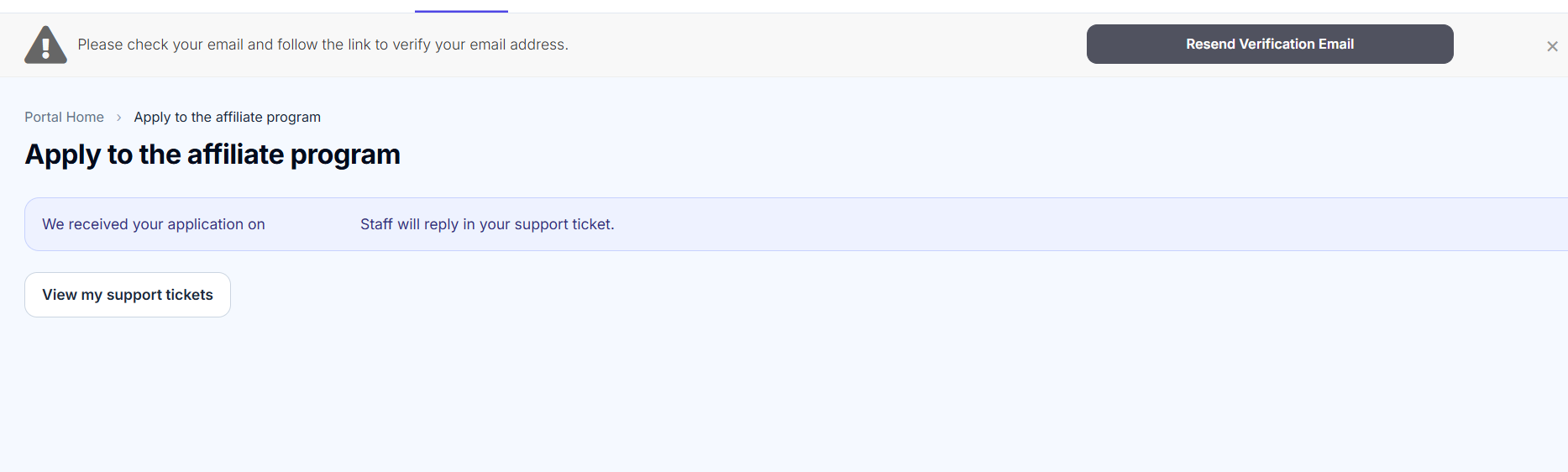
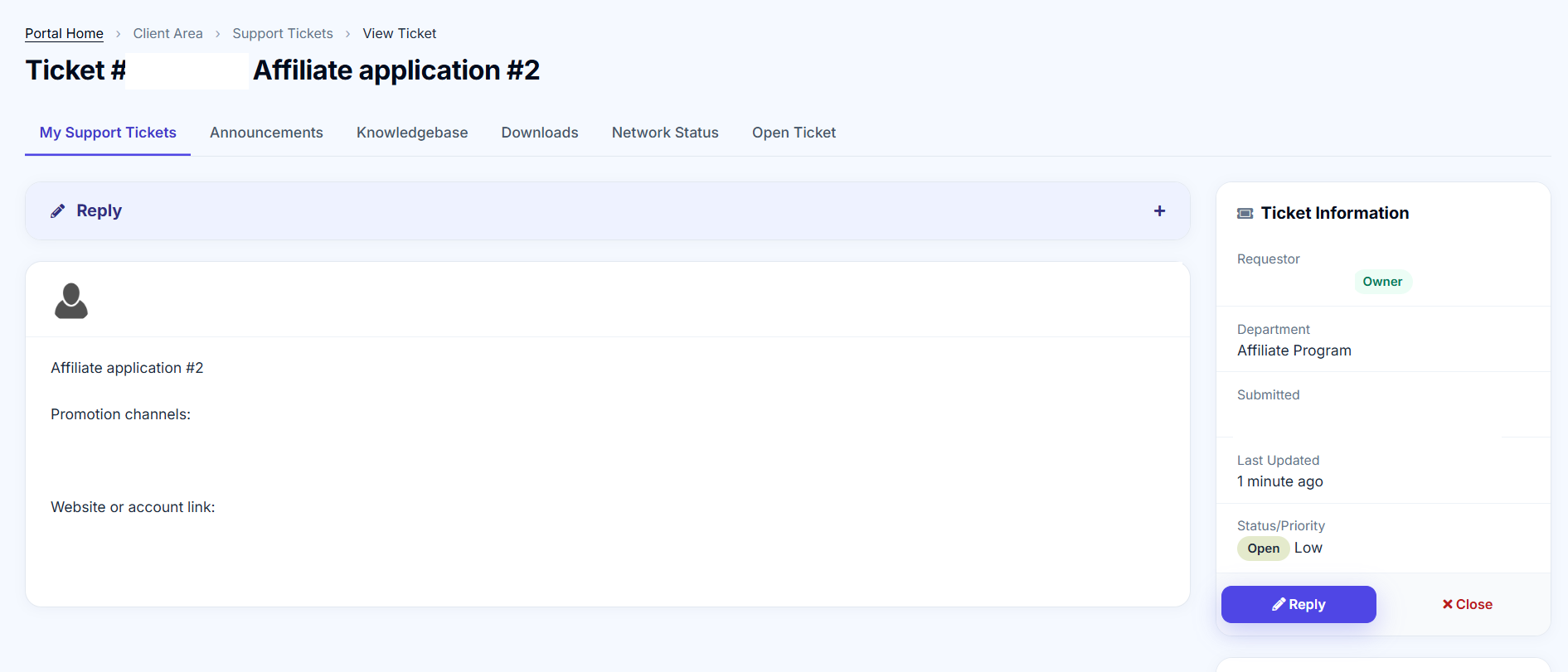
A confirmation appears after submission. ColdProxy sends the application to the team as a support ticket, where you can follow up.
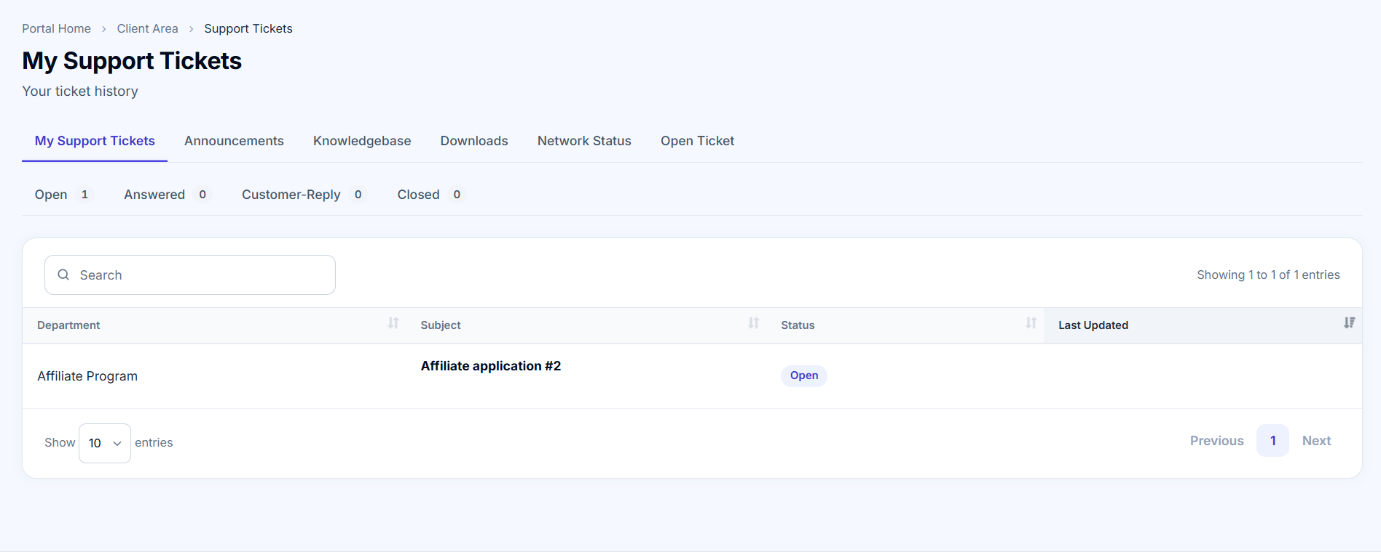
Open My Support Tickets in your account to check the application ticket. If the team requests more information, reply in that ticket. Wait for the team to review your application and activate your affiliate account.
Follow the Ticket and Wait for Review
The support ticket contains your application details and the team's replies. Keep any follow-up in the same ticket so the application conversation stays together.
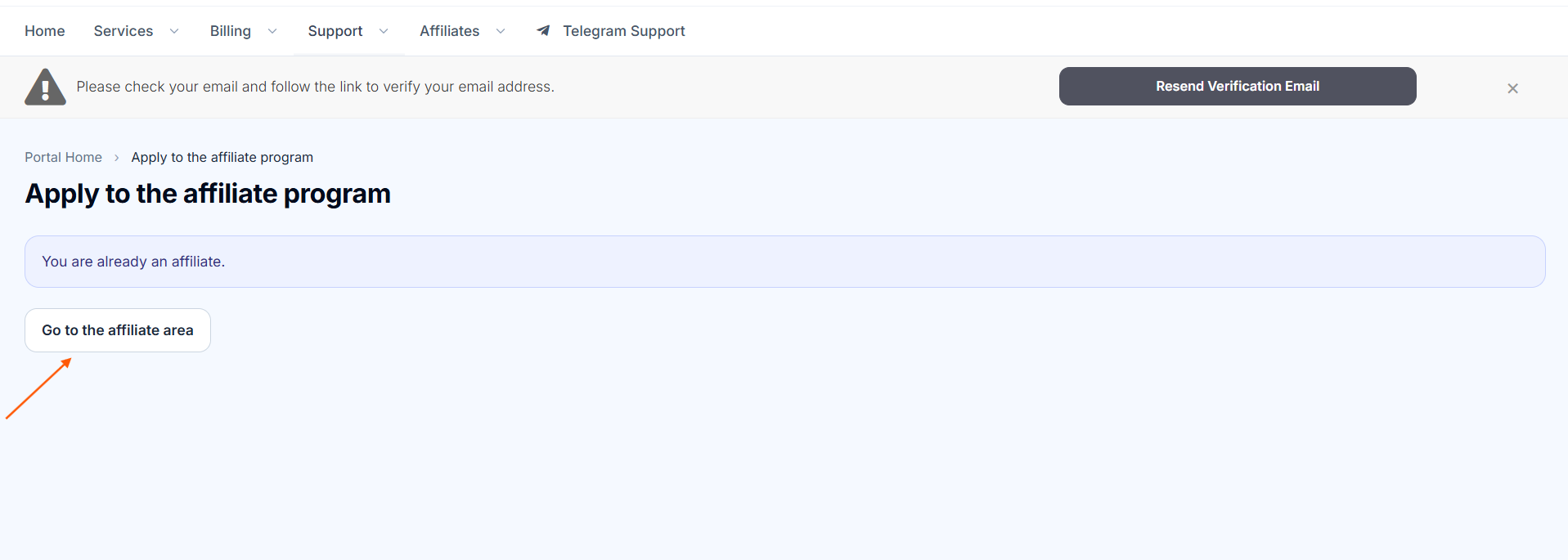
Once the team approves your application, return to Affiliates and open the affiliate area.
Your Affiliate Dashboard
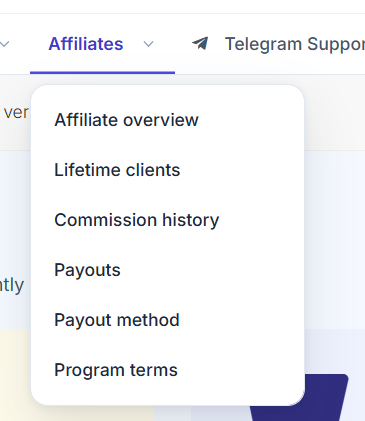
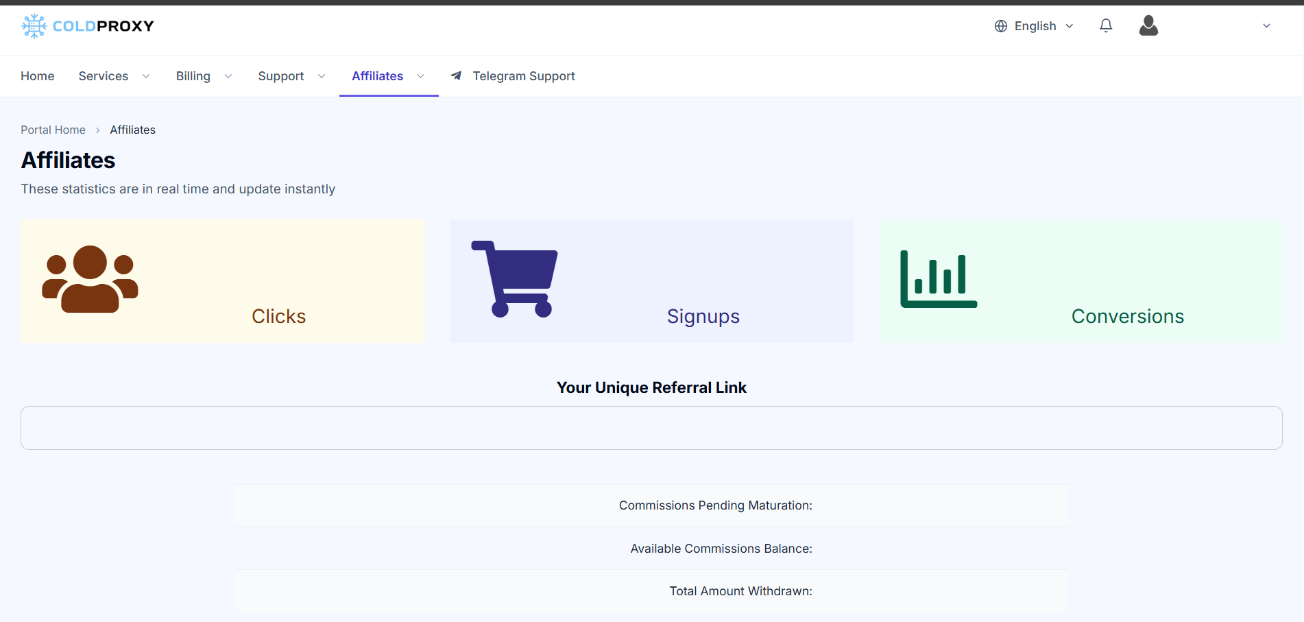
After approval, use the Affiliates menu to open the dashboard and its account sections.
What You Can View
Affiliate Overview: See your referral link and a summary of affiliate activity. Use your own link when promoting ColdProxy.
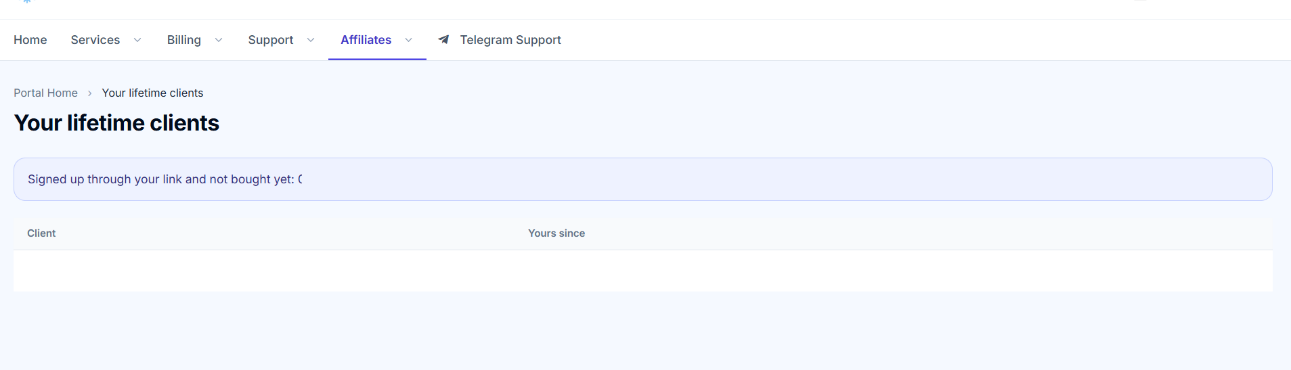
Lifetime Clients: View clients associated with your affiliate account. The Affiliate Program Terms explain the applicable rules.
Commission History: Review commissions recorded for your account.
Payouts: Review payout activity and withdrawal requests.
Commission and Withdrawal Basics
Commission: Approved affiliates earn 10% on eligible purchases and renewals, subject to the Affiliate Program Terms.
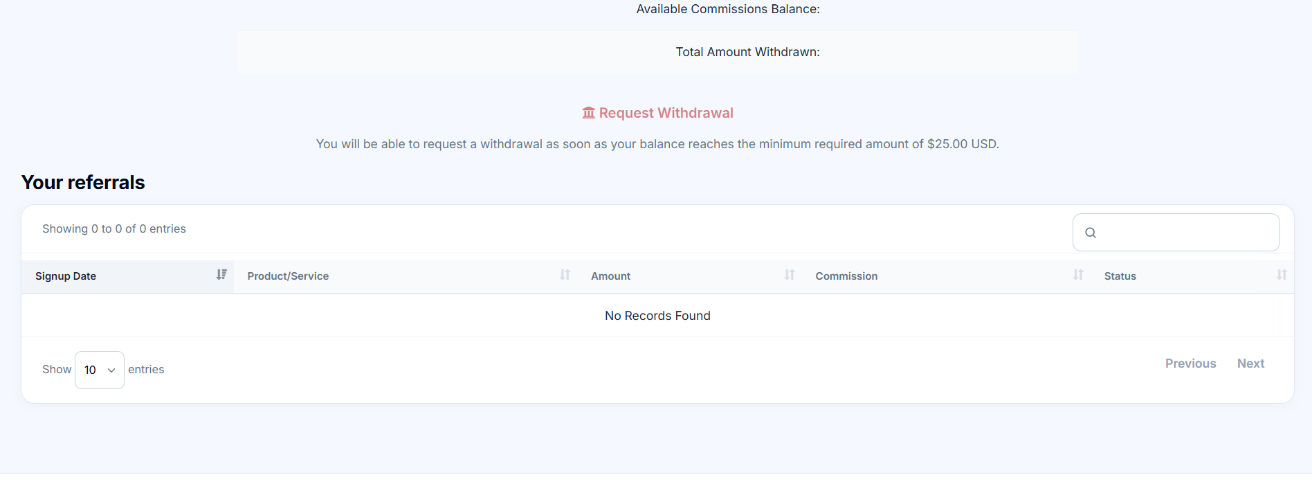
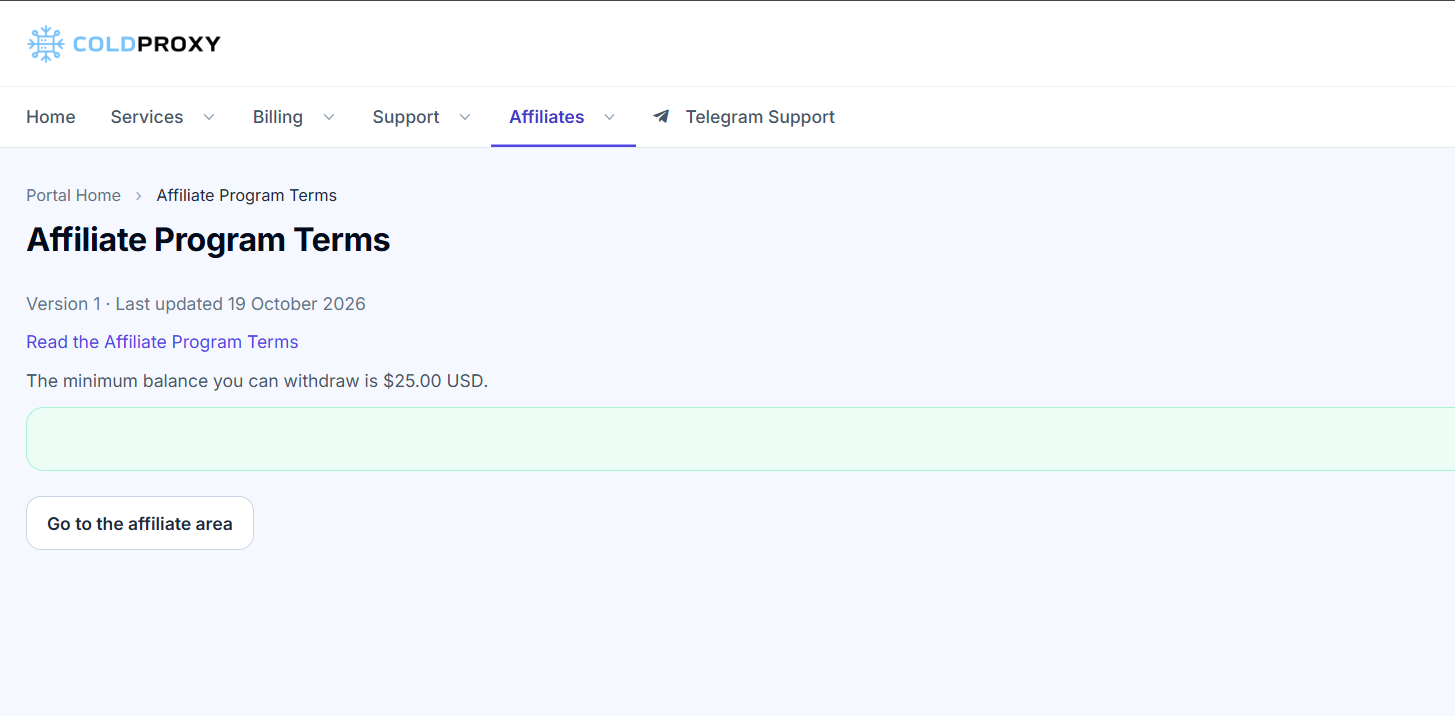
Minimum withdrawal: You can request a withdrawal once your available affiliate commission balance reaches $25. Each request is reviewed before payment.
For the current rules on eligible commissions and withdrawals, review the Affiliate Program Terms
Set or Update Your Payout Method
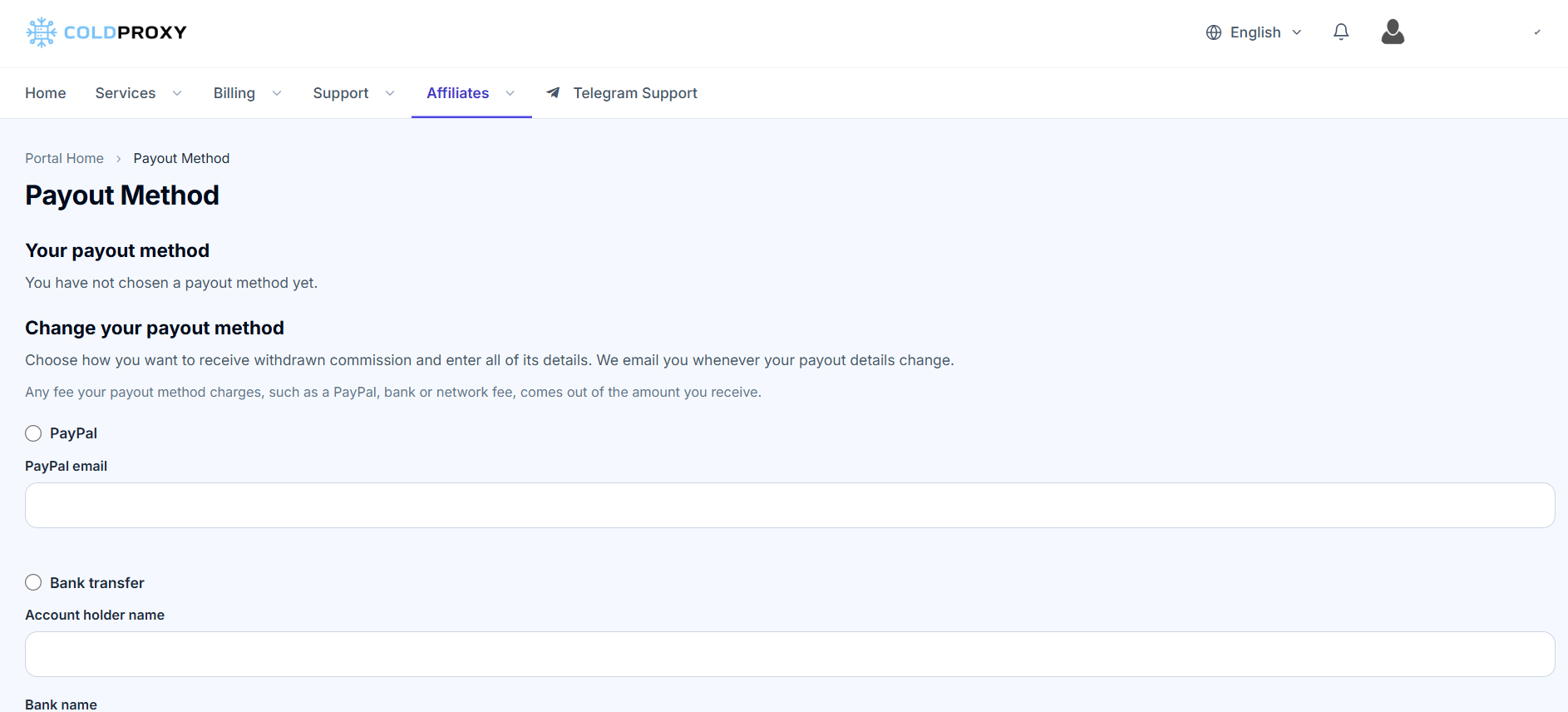
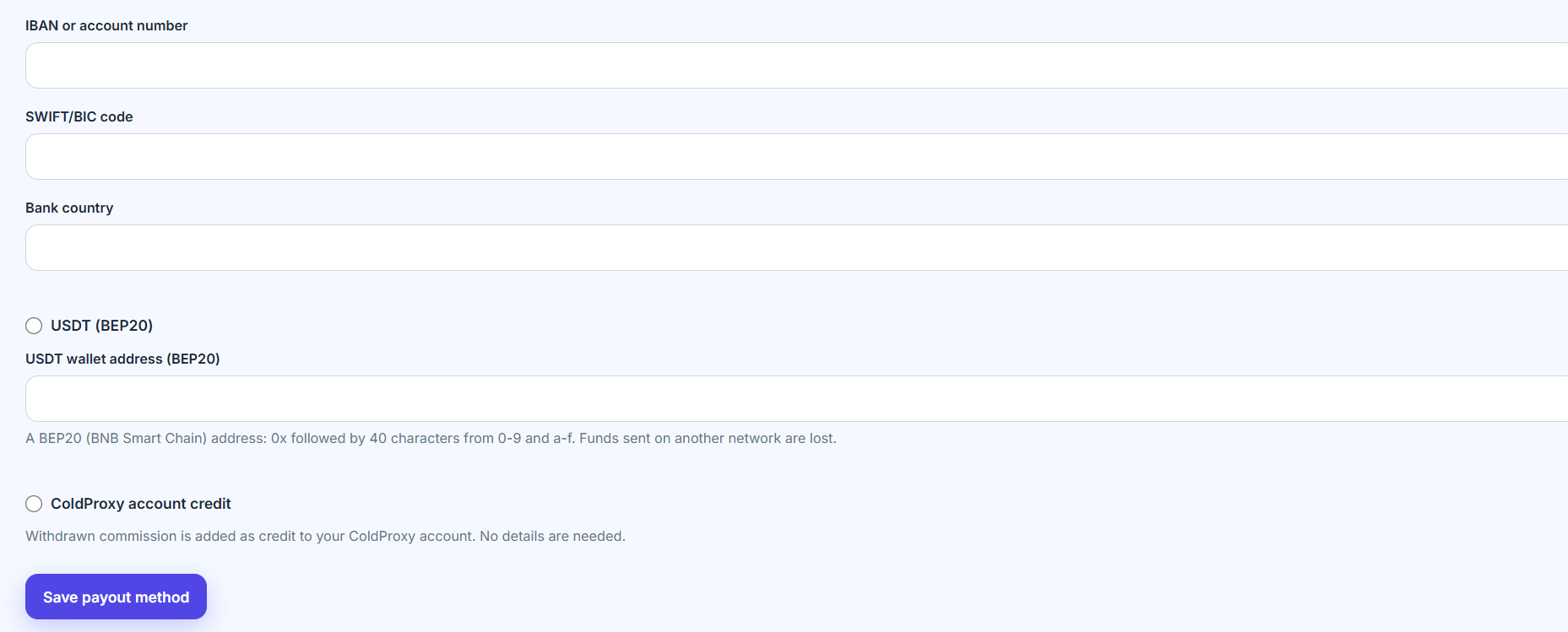
Choose how to receive your affiliate earnings: PayPal, bank transfer, USDT on the BEP20 network, or credit to your ColdProxy account. Open Payout Method in your account to select your preferred option or update your payout details.
Add and Save Your Payout Details
- Select your preferred payout method.
- Enter the information requested for that method.
- Review the details to make sure they are accurate and complete.
- Click Save payout method to store your payout details.
Important: Enter accurate, complete information. Errors in the beneficiary name, account details, or transfer information may affect payout processing.
Update Your Payout Details
You can change your payout method or edit its details later, subject to the options available in your account. After entering new information, click Save and confirm that the updated details appear in your account.
Payout Method Security Alert
ColdProxy emails you when your payout method changes. If you receive an alert for a change you did not make, change your password and contact Support to secure your account.
ColdProxy also emails you whenever a purchase generates a commission for your account. To stop these commission notifications, go to Email Preferences in your account and turn off Affiliate Emails - Receive Affiliate Notifications.
Program Terms and Official Links
Review the current program terms from the dashboard whenever you need to check eligibility, commissions, withdrawals, or other program rules.
Ready to apply? Sign in to the ColdProxy client area and open Affiliates. For an overview, visit the Affiliate Program page or read the Affiliate Program Terms.
