
How to Change the Proxy Format to IP:PORT
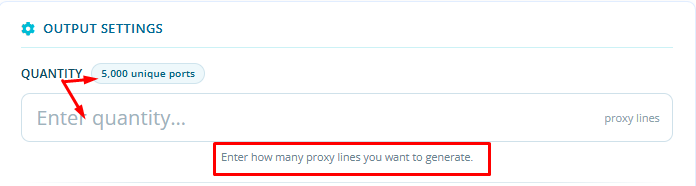
After adding the plan, customers can define the number of proxy lines during the setup process using the Quantity field.
In the Quantity field, enter the number of proxy lines you would like to generate.
Next, under Authentication Method, select IP Authentication.
Once the configuration is completed, the system will generate your proxies in IP:PORT format based on the quantity you specified.

